

Gmail Gmail is an email service owned by Google. Email service is currently has a capacity of 1 Gb. This capacity will increase each time. With this much capacity one gmail account will not be wearing out over several years. And most importantly, it's free gmail ....
Perhaps many of the readers of this blog already know how to register email on gmail. If you already know, coz wrote this beginner tutorial. This tutorial is only for beginners who have never created a gmail
Here's a guide:
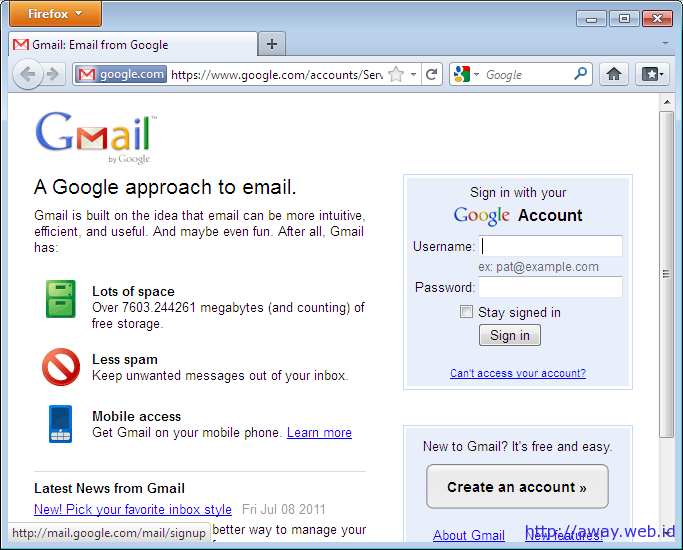
1. Open Gmail.com. To create a new, click “Create an Account”
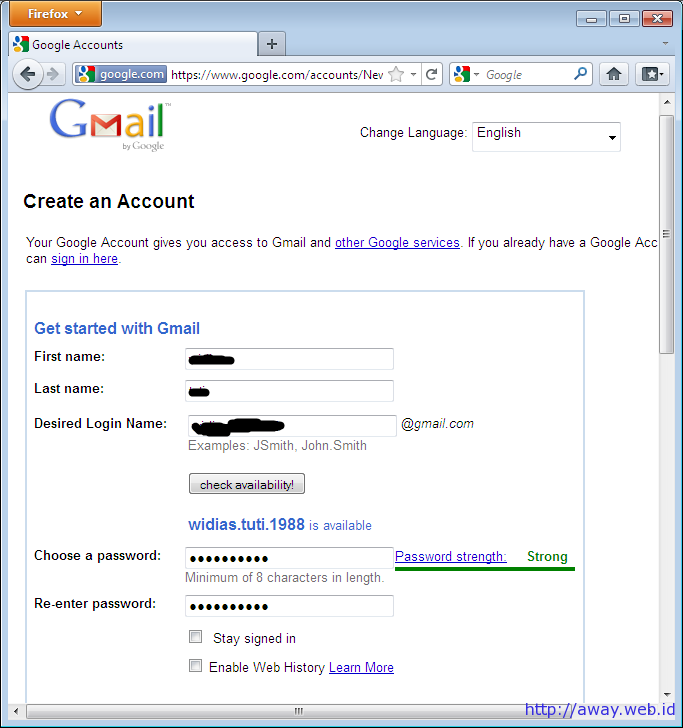
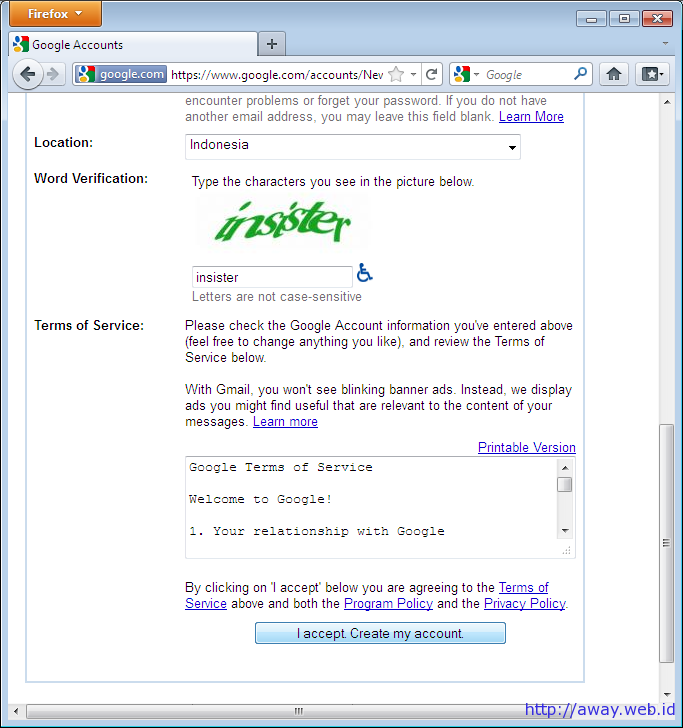
2. Next fill in the required information such as first name, last name, email address you want, password dan capcha. If you have click the button “I Accept. Create my Account”
Perhaps many of the readers of this blog already know how to register email on gmail. If you already know, coz wrote this beginner tutorial. This tutorial is only for beginners who have never created a gmail
Here's a guide:
1. Open Gmail.com. To create a new, click “Create an Account”
2. Next fill in the required information such as first name, last name, email address you want, password dan capcha. If you have click the button “I Accept. Create my Account”
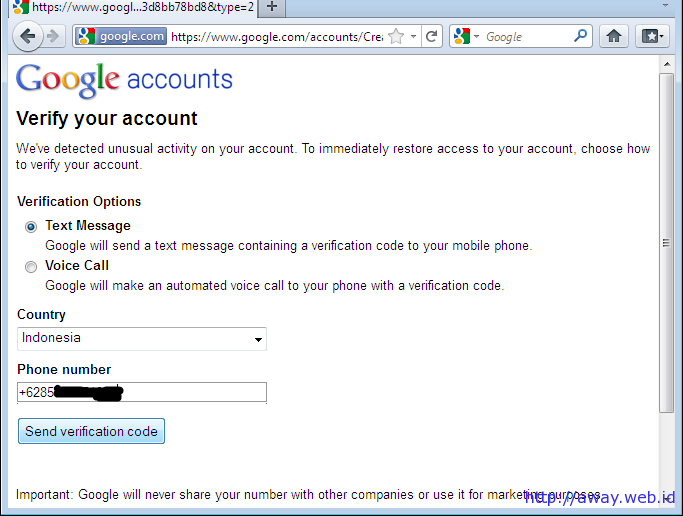
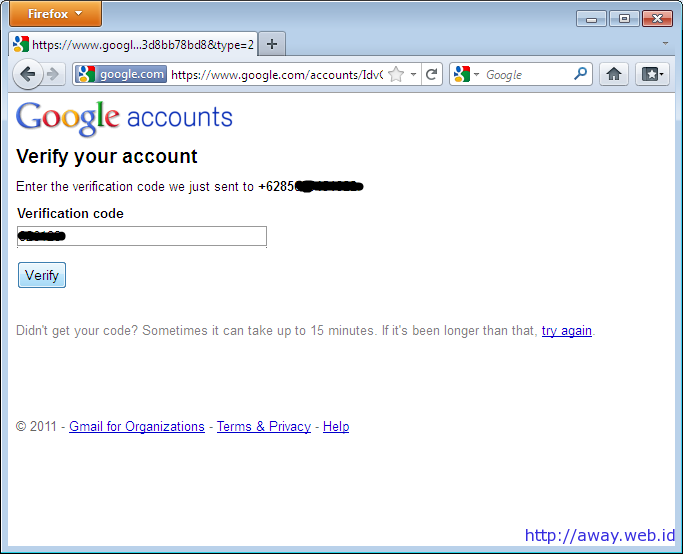
4. Proceed with account verification. This step is often to be followed if the computer / IP address that is used has already been used to register gmail. If the requested verification. Select Text Messages, for a country choose according to your country and enter your phone no is still active. Later gmail will send an SMS to your mobile phone
5. Check SMS on your mobile phone. Fill Your Google SMS Verification is key is 123456. Fill in this code
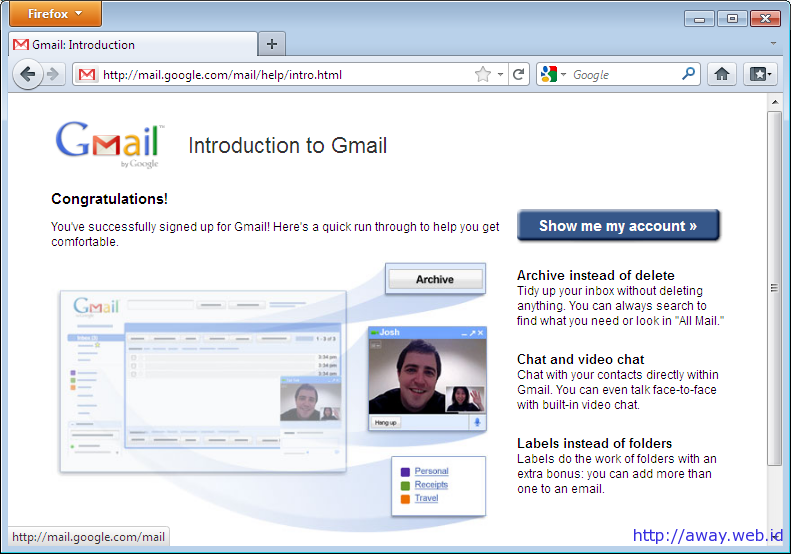
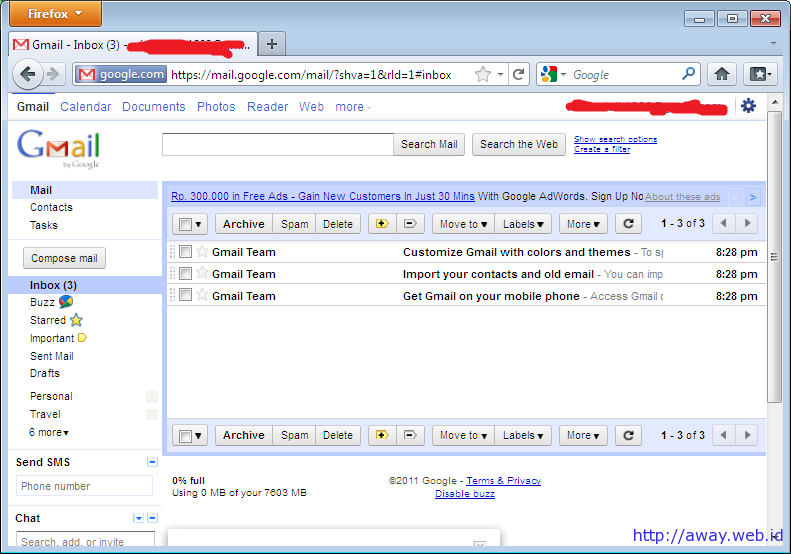
6. Selamat, akun gmail anda sudah jadi. Alamat email anda adalah username@gmail.com. Klik tombol “Show me my account” to inbox


0 comments:
Post a Comment